

Descriere
Trusona provides the most popular passwordless 2FA login for FREE. Just point your phone to the secure QR code and voila – you are in.
Top Features
- FREE passwordless MFA including support
- Hide username and password from login form
- Login without typing or remembering passwords
- NEW: Trusona ONLY Mode – get rid of the password fields FOREVER!
- Dynamic QR code displayed at login
- No SMS or OTP (one-time passwords)
- Patented anti-replay for added security
- One-click installation
What is the Cost?
Trusona’s passwordless 2FA is completely FREE – just download it today and start using it with one-click install. Support is included. We really mean it – it is totally FREE.
How do I know it is secure?
73% of WordPress sites are vulnerable to attack – and passwords are most likely to blame. Trusona’s passwordless 2FA for WordPress is based on the most secure technology you will ever use. And now you can experience this level of true security for your WordPress accounts, too. In this version we added a Trusona ONLY mode in settings. This feature does not allow to show the user name and password fields. Setting this page to this mode is the most secure approach. Only recommended to advanced users.
Please note:
Once you download the Trusona WordPress Plugin you need to download the Trusona app. To download for iOS, visit the App Store. For Android devices, visit Google Play.
Capturi ecran
Instalare
Quick Start
Getting started with Trusona’s passwordless 2FA plugin is easy. Check-out our step-by-step getting started video.
If downloading from a browser:
Download and install the Trusona WordPress plugin. Click Activate.
On the top header, you will see the email address that you should enter when you register in the Trusona app.
Download and install the Trusona app. To download for iOS, visit the App Store. For Android devices, visit Google Play.
Follow the prompts to register within the Trusona app. Make sure to register with the same email address shown in step 2.
Return to your WordPress account and logout. When you log back in, you will see the „Login With Trusona” button.
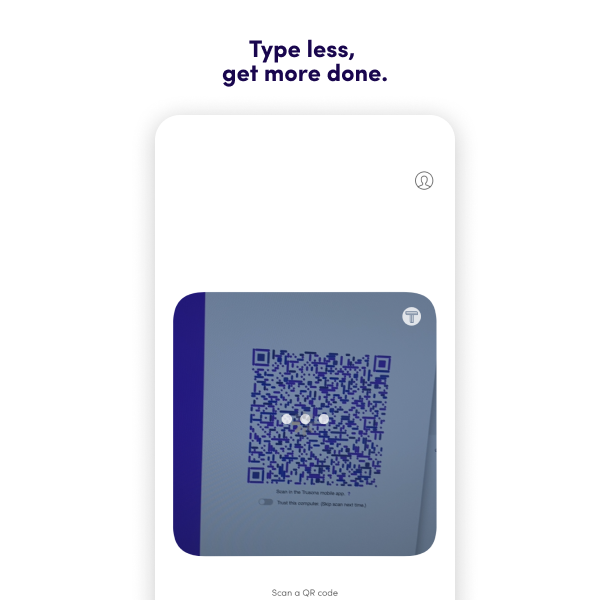
Click “Login With Trusona” and the secure QR code will appear. Open the Trusona app on your mobile device and scan the QR code that is displayed.
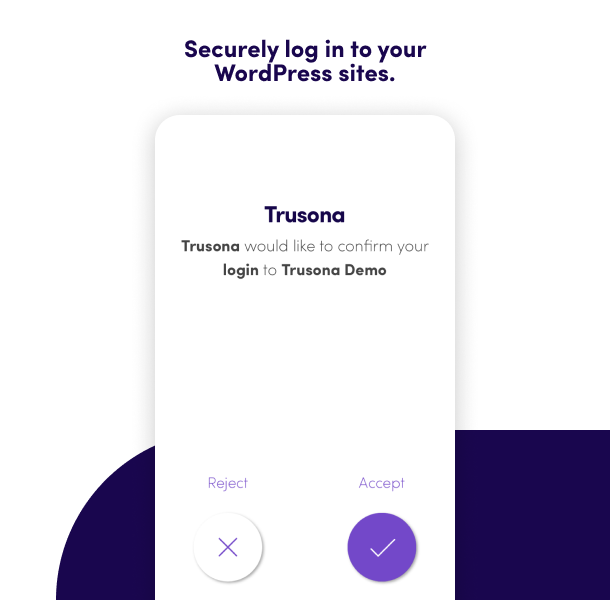
Click “Accept” in the Trusona app.
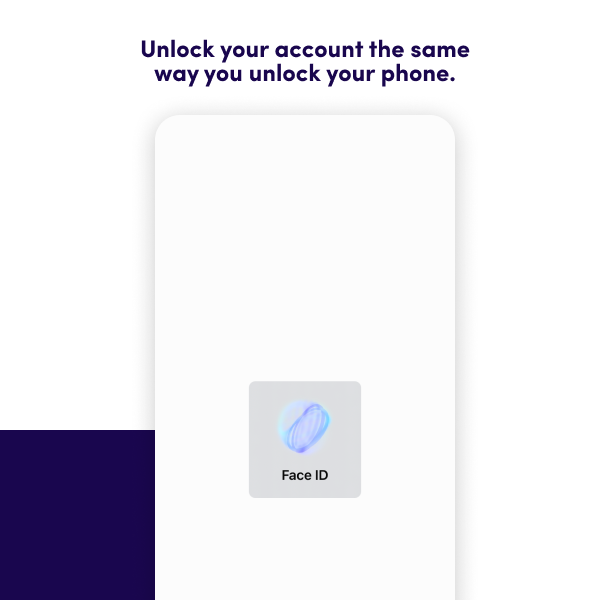
Use your OS security (Face ID, Biometric or Device Lock) to confirm your True Persona.
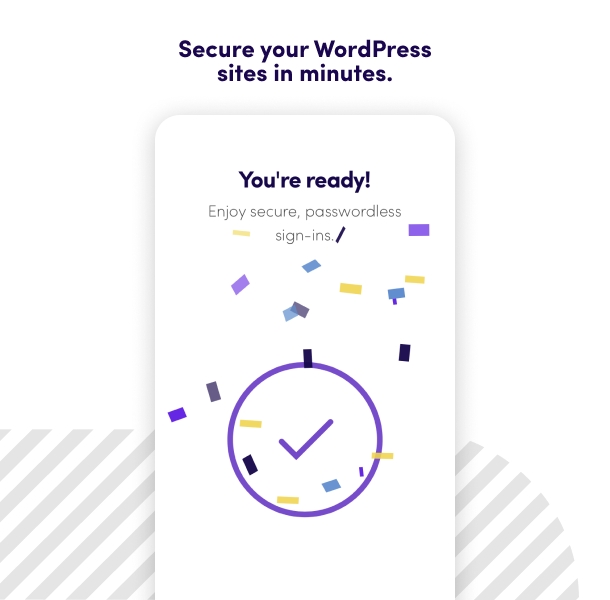
And voila! You logged in to your WordPress admin account without needing a password!
Optional: in settings, set to Trusona ONLY mode.
What does it cost?
Nothing. Trusona’s WordPress plugin is 100% FREE and can be used on all of your WordPress sites.
Is support included?
Yes, support is included. Please visit support.trusona.com
Where can I find more information on Trusona?
Visit our website at www.trusona.com
Does this plugin work with the WordPress REST API?
No, at this moment, the plugin will not work with the WordPress REST API.
Recenzii


Contributori și dezvoltatori
„Trusona for WordPress” este un software open-source. La acest modul au contribuit următoarele persoane.
Contributori

„Trusona for WordPress” a fost tradus în 1 locală. Mulțumim traducătorilor pentru contribuția lor.
Tradu „Trusona for WordPress” în limba ta.
Te interesează dezvoltarea?
Răsfoiește codul, vezi depozitarul SVN, sau abonează-te la jurnalul de dezvoltare prin RSS.
Istoric modificări
= 2.0.3
* Security: bind the OpenID state and nonce to the browser that started the login, preventing login CSRF (forced authentication) and replay of a captured authorization response
* Security: validate the ID token nonce claim during login
* Removed the unused bundled firebase/php-jwt library from the plugin package
* Repaired and expanded the unit test suite
= 2.0.2
* Fixed login page rendering unstyled when the default form is disabled (wp_kses_post() was stripping the page’s stylesheets and scripts)
= 2.0.1
* Fixed WordPress Plugin Check compliance issues
* Added proper function prefixes for all global functions
* Added direct file access protection to include files
* Improved output escaping and input sanitization
* Replaced deprecated parse_url() with wp_parse_url()
* Fixed slow meta_key query with proper meta_query
* Updated readme.txt formatting and tags
* Tested with WordPress 6.9
= 2.0.0
* Major security update – Fixed multiple XSS vulnerabilities
* Added CSRF protection with WordPress nonces
* Improved input sanitization throughout the plugin
* Full PHP 8.1, 8.2, and 8.3 compatibility
* Updated minimum PHP requirement to 8.1
* Updated minimum WordPress requirement to 6.0
* Tested and verified with WordPress 6.8.2
* Removed deprecated WordPress functions
* Modernized JavaScript implementation
* Fixed JWT validation security issues
* Enhanced error handling for PHP 8 compatibility
* Improved secret storage security
= 1.6.3
* Verifies functionality on WordPress 6.3
= 1.6.0
* Verifies functionality on WordPress 6.0
= 1.5.5
* Verifies functionality on WordPress 5.8
= 1.5.4
* Verifies functionality on WordPress 5.7
= 1.5.3
* Verifies functionality on WordPress 5.5
* Fixes bug introduced in WordPress 5.5 by explicitly enabling the password field when it is visible.
= 1.5.2
* Verifies functionality on WordPress 5.4.2
= 1.5.1
* Changed buttons to mention „Login With Trusona”
* Added Trusona ONLY mode
* Improve searchability based on „passwordless”
= 1.5.0
* Verifies received JWT tokens – fails authentication otherwise
* Verifies functionality on WordPress 5.3.2
= 1.4.6
* Tested upto WordPress version 5.2.2
= 1.4.5
* Updating message shown to user if they are not registered in WP site.
= 1.4.4
* Tested upto WordPress version 5.1
1.4.3
- Bug fixing
1.4.2
- Verifying functionality with WordPress 5.0.x
1.4.1
- Bug fixing
1.4.0
- Adding self-service onboarding feature
1.3.1
- Bug fixing
1.3.0
- Bug fixing
1.2.4
- Updating readme text
1.2.3
- Verifying functionality on latest WordPress version 4.9.7
- Updating image resources
1.2.2
- Adding PHP and WordPress versions on settings view for debugging purposes.
1.2.1
- Verifying support for WordPress version 4.9
1.2.0
- Updated login button to use new Trusona logo and colors
1.1.8
- No longer loading jQuery hosted by Google; instead using the version enqueued by WordPress.
1.1.7
- Add portability between testing and production environments with dynamic registration when a change is detected.
1.1.6
- Add filters to modify locked down form variables
1.1.5
- Readme updates
1.1.4
- Version update
1.1.3
- Fixing login CSS
1.1.2
- Bug fix
1.1.1
- Bug fix
1.1.0
- Added Settings link. Implemented single setting for Trusona-ONLY Mode, which is off by default.
1.0.16
- Fixing bug that affects PHP 5.3.29
1.0.15
- Update to readme regarding highest supported version of WP
1.0.14
- Update to readme regarding availability of Trusona for Android
1.0.13
- Fixing possible race condition when a Trusona user’s email addresses are registered with several account types on a WP site.
1.0.12
- Fixed links within readme file
1.0.11
- Updated the plugin’s readme file
1.0.10
- Updated ‘login with trusona’ button CSS
1.0.9
- More CSS cleanup
1.0.8
- Fixing CSS bug related to display of buttons
- CSS cleanup
1.0.7
- Update to verbiage within activation notice
1.0.6
- Now showing notice, on activation, of email address to use in Trusona app
- Updated readme
1.0.5
- No longer enqueing jquery
1.0.4
- Removing unused filter
1.0.3
- Removed dead code; renamed custom function
1.0.2
- Fixed login form bug
1.0.1
- Added support for legacy PHP versions down to 5.3.2
1.0
- Initial release. Join the #NoPasswords revolution.