

Descriere
Notification Review for Gravity Forms solves a common problem: when you have many forms sending notifications to many different people, it can be difficult to get a clear picture of who is receiving what.
This plugin adds a Notification Review submenu item under the Gravity Forms menu that displays a searchable, filterable table of every notification across all your forms — including Send To, From Name, From Email, Reply To, BCC, and Subject.
Features
- Centralized table of every Gravity Forms notification across all forms
- Filter by form status (Active / Inactive / All)
- Filter by individual form
- Filter by notification status (Active / Inactive / All)
- Search by email address or subject
- Sortable columns (Form ID, Form Title, Notification Name)
- Column visibility toggles via the Screen Options tab
- Direct edit links to each notification in Gravity Forms
- Reset Filters button to return to the default view
Use Cases
- Auditing notifications before off-boarding a staff member — find every notification going to their email address in seconds
- Verifying delivery addresses after a domain migration
- Quickly spotting inactive or misconfigured notifications across a large form library
- Compliance review — confirm who receives sensitive form data
Capturi ecran
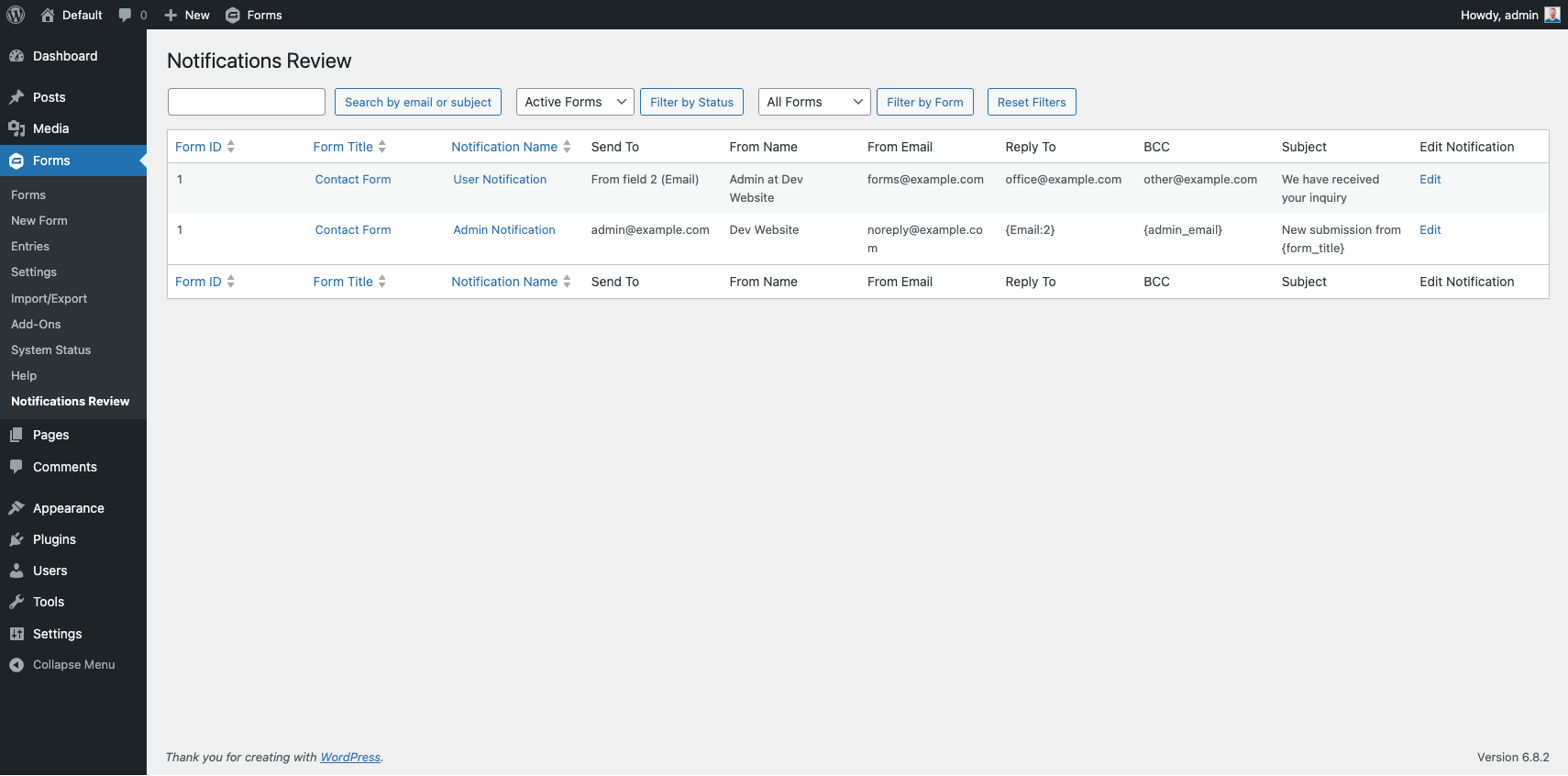
Default view of the Notification Review table showing all notifications across all active forms. 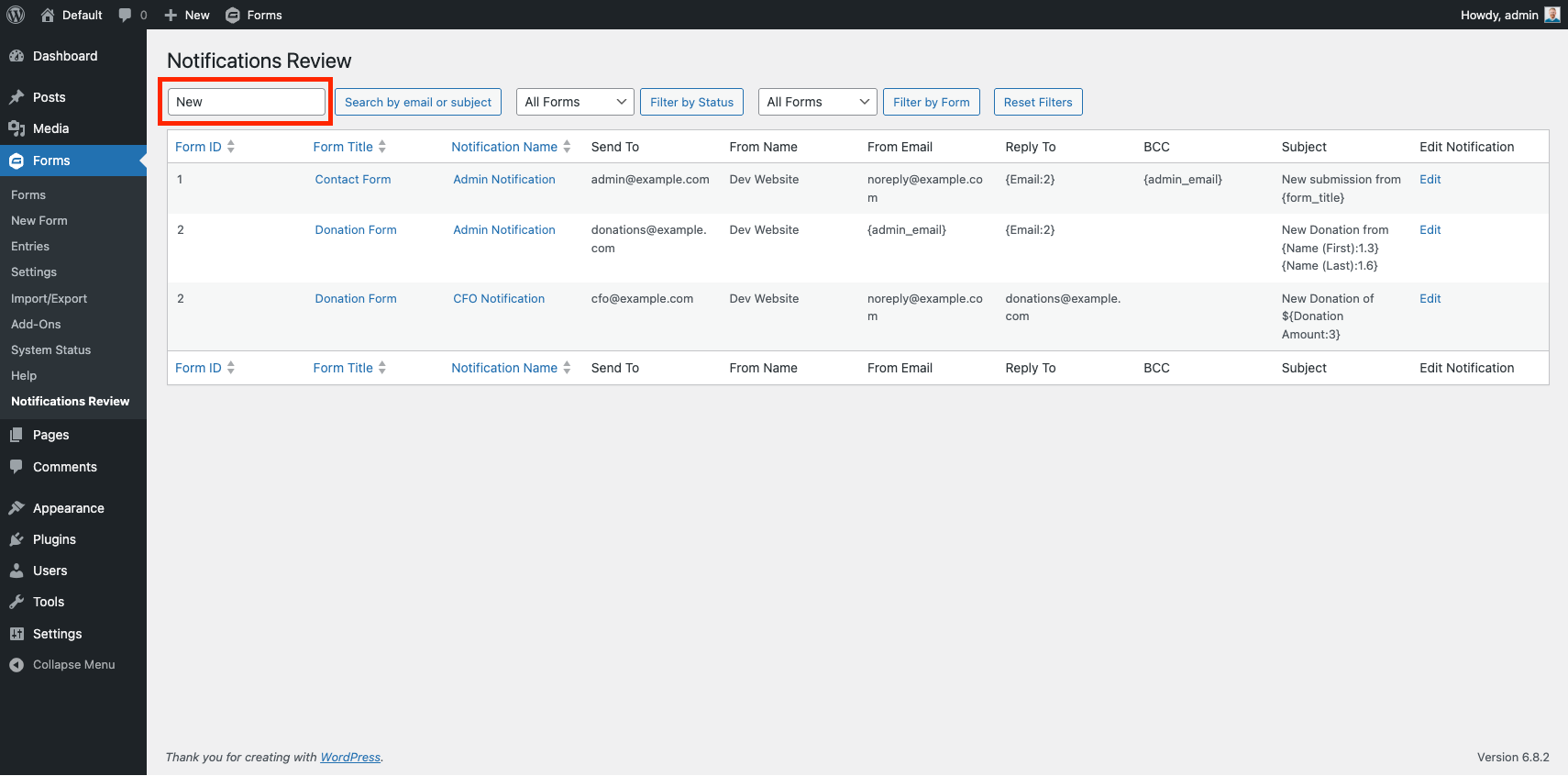
Filtering notifications by a keyword such as „New.” 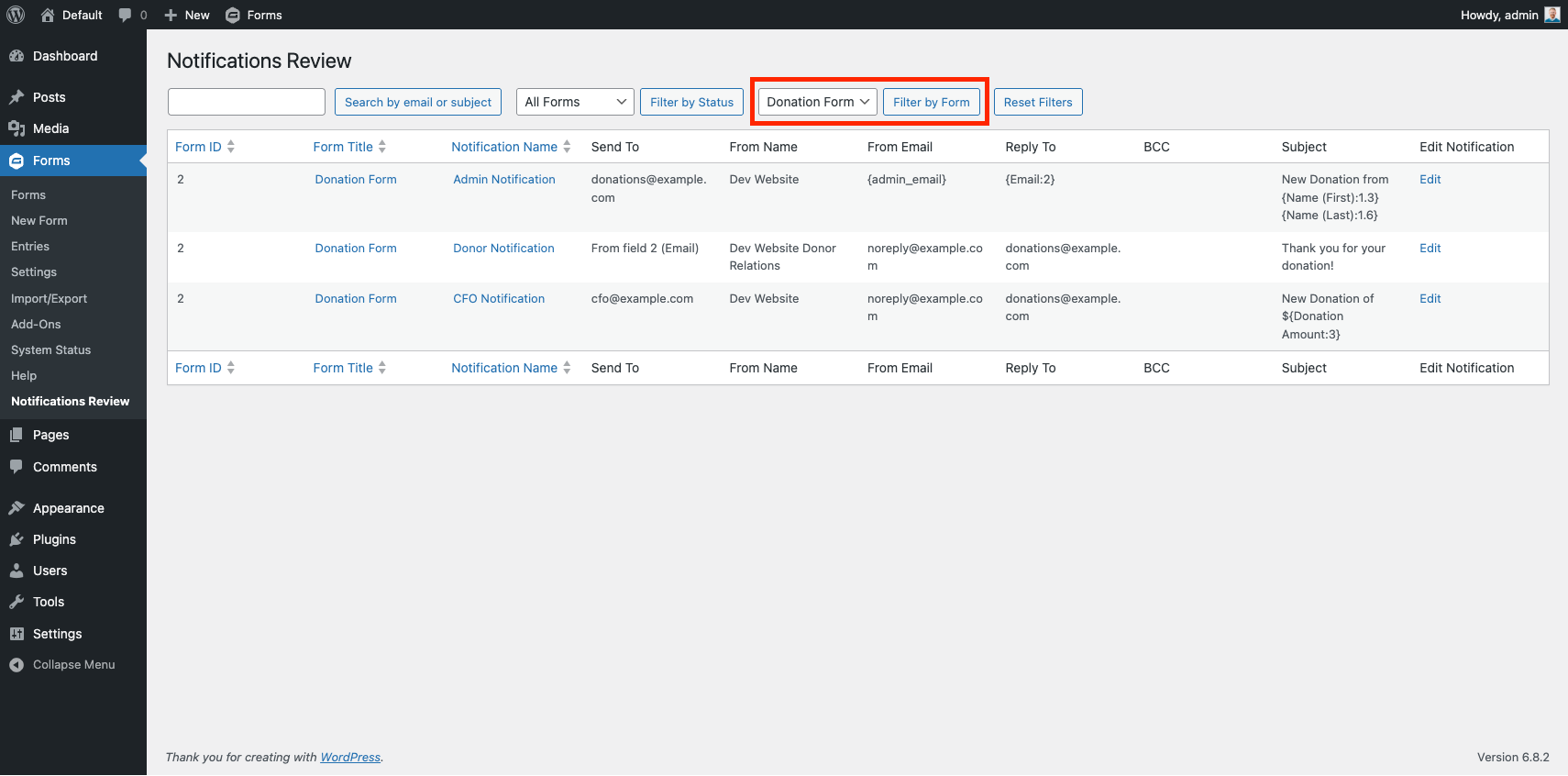
Viewing all notifications for a single selected form.
Instalare
- Upload the
notification-review-for-gravity-formsfolder to/wp-content/plugins/ - Activate the plugin through the Plugins menu in WordPress
- Gravity Forms must be installed and active
- Navigate to Forms Notification Review to view and filter your notifications
Întrebări frecvente
-
What is this plugin for?
-
This plugin provides a centralized table to review all Gravity Forms notifications, including Send To, From Name, From Email, Reply To, BCC, and Subject fields, with options to filter by form status, form title, and notification status, and to search by email address or subject.
-
How do I use it?
-
After activating the plugin, go to the Forms menu in the WordPress admin and select Notification Review. Use the dropdowns to filter by form status, form, or notification status. Use the search box to find notifications by email address or subject. Click a Form Title or Notification Name to edit directly in Gravity Forms.
-
Does this require anything besides Gravity Forms?
-
No. This plugin only requires Gravity Forms to be installed and active. No other add-ons or dependencies are needed.
Recenzii
Nu există nicio verificare pentru acest modul.
Contributori și dezvoltatori
„Notification Review for Gravity Forms” este un software open-source. La acest modul au contribuit următoarele persoane.
Contributori
Tradu „Notification Review for Gravity Forms” în limba ta.
Te interesează dezvoltarea?
Răsfoiește codul, vezi depozitarul SVN, sau abonează-te la jurnalul de dezvoltare prin RSS.
Istoric modificări
1.4
- Rebranded plugin, bringing it into the LunrPro line of plugins. Check out www.lunr.pro for more info.
- Updated license to GPL-2.0+
1.3
- Added dropdown filter to display Active, Inactive, or All Notifications.
- Added column visibility toggles under the Screen Options tab.
1.2
- Fixed incorrect call to
$form['notifications']causing the notifications table to return no results.
1.1
- Updated plugin name and function references for consistency.
1.0
- Initial release with table display, email search, form status filter (Active / Inactive / All), and Edit links for Gravity Forms notifications.