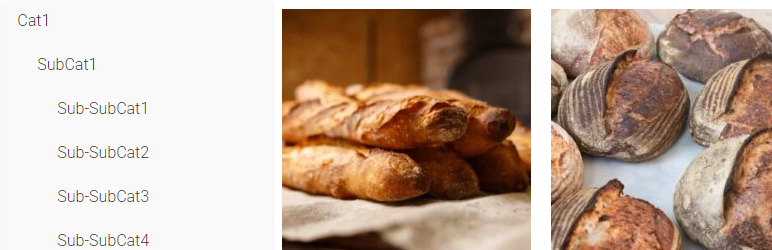

Descriere
Welcome to the Simple Category Filter documentation.
Simple Category Filter plugin can simply filter your woocommerce categories and products.
You can drag it to anywhere you want on Elementor editing page, it should be compatitble with any theme.
Tutorial
- On Elementro editing page, search „Simple Category Filter ” and drag it to anywhere you want.
- Go to wordpress admin panel -> Settings -> Simple Category Filter, you can configure the plugin.
Instalare
- Download the Simple Category Filter plugin ZIP file.
- Log in to your WordPress admin dashboard.
- Navigate to the „Plugins” menu on the left-hand side.
- Click on „Add New” at the top of the Plugins page.
- On the Add Plugins page, click the „Upload Plugin” button.
- Choose the downloaded ZIP file and click „Install Now.”
- Once the installation is complete, click „Activate Plugin.”
Recenzii
Nu există nicio verificare pentru acest modul.
Contributori și dezvoltatori
„Simple Category Filter” este un software open-source. La acest modul au contribuit următoarele persoane.
Contributori
Tradu „Simple Category Filter” în limba ta.
Te interesează dezvoltarea?
Răsfoiește codul, vezi depozitarul SVN, sau abonează-te la jurnalul de dezvoltare prin RSS.